Why This Matters
Remote access scams are one of the fastest-growing forms of cybercrime. In the United States, the FBI reported more than 36,000 victims and losses approaching 1.5 billion USD in 2024. [1]
In Australia, Scamwatch reports more than $15 million lost to remote-access scams in 2023 alone, with thousands of Australians targeted every month. [2]
These scams succeed because criminals don't hack your computer. They trick you into giving them access.
What Remote Access Scams Actually Are
A remote access scam is a form of social engineering where scammers impersonate trusted companies such as Microsoft, Telstra, NBN Co, Australian banks, Apple, or Amazon. Their goal is to get you to install remote desktop software so they can take control of your computer.
These scams don't rely on technical skill. They rely on fear, urgency, confusion, and trust. Once you install the software they recommend, the scammer can control your computer exactly as if they were sitting at your desk.
How Scammers First Reach You
In Australia, scammers commonly initiate contact through:
-
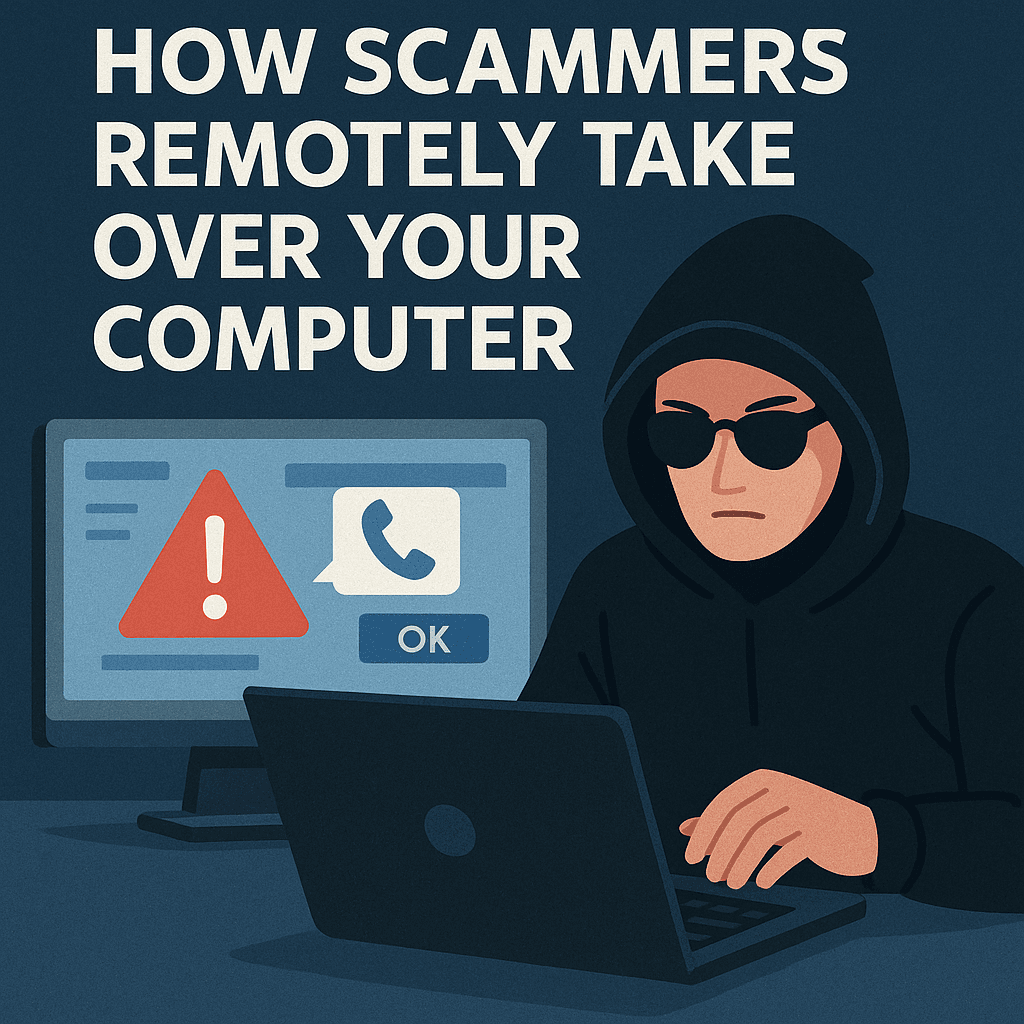
Fake pop-ups claiming your computer is infected
These appear while browsing and imitate Microsoft or antivirus software. They display a phone number urging you to call “support.” Real companies never put phone numbers in security alerts. -
Cold calls pretending to be Microsoft, Telstra, or NBN
Scammers spoof caller ID to look legitimate. Microsoft, Telstra, NBN Co, banks, and government agencies do not cold-call about technical issues. -
Phishing emails or SMS messages
Messages claiming your device is hacked, your account is locked, or your subscription has expired. -
Fake support websites
Criminals buy Google ads so their fake “Microsoft Support” or “Printer Support” pages appear above real ones. -
ATO impersonation scams
Messages claiming your TFN is suspended or your tax account is compromised. The ATO will never ask you to download software or grant remote access.
How Scammers Gain Remote Access
They direct you to install legitimate tools including:
- AnyDesk
- TeamViewer
- LogMeIn Rescue
- GoToAssist
- ScreenConnect (ConnectWise)
These tools are safe when used correctly. In the hands of criminals, they give full access to your device.
- They claim your computer is infected or hacked.
- They tell you to install the remote access software.
- You read them the access code.
- They now have complete control of your computer.
What Scammers Do Once Connected
Once inside your computer, scammers can:
-
Fake system diagnostics
They open Event Viewer and pretend normal warnings are viruses. -
Install malware or backdoors
Including keyloggers, password stealers, and persistence tools. - Steal your files and personal data
- Charge fake “repair fees”
-
Access your online banking
They ask you to log in “so we can check for fraudulent activity.” -
Run refund scams
They alter your banking screen to show a fake overpayment, then ask you to “return” the money.
How to Protect Yourself
-
Never trust unsolicited calls or messages.
Telstra, NBN Co, Microsoft, Apple, and banks will not contact you about viruses. -
Never call numbers from pop-ups.
Those pop-ups come from scam websites. -
Never install software at someone else's direction.
Only install remote tools when you initiate support. - Keep your security software updated.
-
Verify support numbers independently.
Use official company websites - do not Google “Microsoft support number.” -
Never pay with gift cards, crypto, or wire transfers.
The ATO, Telstra, NBN, banks, and government agencies will never request these payment methods.
If You Already Gave Remote Access
If a scammer has connected to your computer, the device may be compromised. Remote access allows criminals to install software, change settings, and capture sensitive information. These recommended steps help reduce further risk.
- Disconnect the computer from the internet immediately.
-
Notify your bank or card provider.
Explain that someone remotely accessed your device. Banks may block transactions, add monitoring, or request verification. -
Contact a trusted IT professional.
It is strongly recommended to have the device checked. Many banks prefer that a compromised device is inspected before restoring full access. -
Report the scam.
In Australia, you can report to:
• Scamwatch (ACCC)
• ReportCyber (Australian Cyber Security Centre) -
Change your passwords from a clean device.
Prioritise email, banking, and accounts with personal or financial data.
The Bottom Line
Remote access scams succeed because scammers manipulate people, not computers. Once you recognise the tactics - fake urgency, fake errors, fake authority - they lose their power. Slow down, verify independently, and never let anyone you didn't call yourself control your computer.
Sources & Further Reading
-
[1] FBI IC3 - Tech Support Fraud Report (2024)
Global context for remote-access scam behaviour.
ic3.gov/2024_report -
[2] Scamwatch - Remote Access Scams (ACCC)
Australian guidance on cold calls, remote-access scams, and recovery steps.
scamwatch.gov.au/remote-access-scams -
[3] Microsoft - Protect Yourself from Tech Support Scams
Signs of scam pop-ups and remote access fraud.
support.microsoft.com/windows/tech-support-scams -
[4] CISA - Avoiding Social Engineering Attacks
International guidance on phishing and manipulation tactics.
cisa.gov/social-engineering -
[5] CISA - Malicious Search Engine Ads Advisory
How scammers poison search results.
cisa.gov/aa22-131a -
[6] CISA / NSA - Malicious Use of Remote Monitoring Tools
How scammers abuse ScreenConnect and AnyDesk.
media.defense.gov/JOINT_CSA_RMM.PDF -
[7] Scamwatch - Gift Card Scams
Why scammers request iTunes, Amazon, crypto, and untraceable payments.
scamwatch.gov.au/gift-card-scams